Builder website design is different from most trades. Nobody books a builder in a hurry. People take weeks to decide, look at several builders, and come back to your site more than once. Your website needs to hold up to that kind of close reading, with real projects, a clear process and the licence details people check before they sign anything.
Builder website design: what homeowners check first
When someone is choosing a builder, they're usually asking:
- Have you done work like mine?
- Are you licensed for it?
- How does a project with you actually run?
- Are you the right size for my job?
- Who will I be dealing with?
A good builder's site answers each of these plainly, without needing a sales call.
Projects, not just a gallery
A wall of thumbnails tells people you've built things. A project page tells them how you work. For each of your best jobs, write a short page:
- What the client wanted.
- What you did, and anything tricky you solved.
- The suburb, if the owner is happy for you to say.
- How long it took.
- Eight to twelve good photos: wide shots, details, and before-and-after if you have them.
Shoot in daylight, after the clean-up. If the photos came from an architect or a photographer, check you have permission to use them. Never show an architect's render as if it were your finished build.
Explain your process
Building is unfamiliar to most clients, and the unknowns are what worry them. Set out the stages in your own words: the first meeting, the quote, approvals, the build stages, handover and what happens if something needs fixing afterwards. Explain how you handle changes during the job. You don't need to cover every contract detail on your website. Your contract does that. The aim is that nobody is surprised.
Licence and credentials
The QBCC's advertising guidance (opens in a new tab) lists websites as advertising. It asks licensees to show the name they're licensed under, that they're licensed under the QBCC Act, and their licence number, and it says a trading name alone isn't enough. A footer on every page is the simplest way to cover it.
Customers can look you up on the QBCC's licensee register (opens in a new tab), which shows a full licence history. Make your licence number easy to copy. List industry memberships and awards only if they're real and current.
Enquiry forms that filter politely
Builders get enquiries that aren't a fit: too small, too far away, or "just after a rough price". A good form sorts these gently. Ask for:
- The type of project: new home, extension, renovation, deck, commercial fit-out.
- The suburb.
- A budget range, with a "not sure yet" option.
- When they'd like to start.
- Whether they have plans or approvals already.
If you have a minimum job size, say so on the page. It saves everyone time.
Who they'll deal with
Clients often worry they'll meet the owner once and never again. If you run your own jobs, say so. If you have a site supervisor, say who they are and how clients stay in touch with them. A real photo of you on site does more than any slogan.
Local search for builders
If clients visit your office during set hours, your Google Business Profile can show that address. If you work from home and go to clients, set yourself up as a service-area business and hide the address. Project pages that name the suburb, with permission, help people see you've worked nearby. My Google Business Profile guide covers the setup, and what a tradie website needs has the basics every trade shares.
See the concept
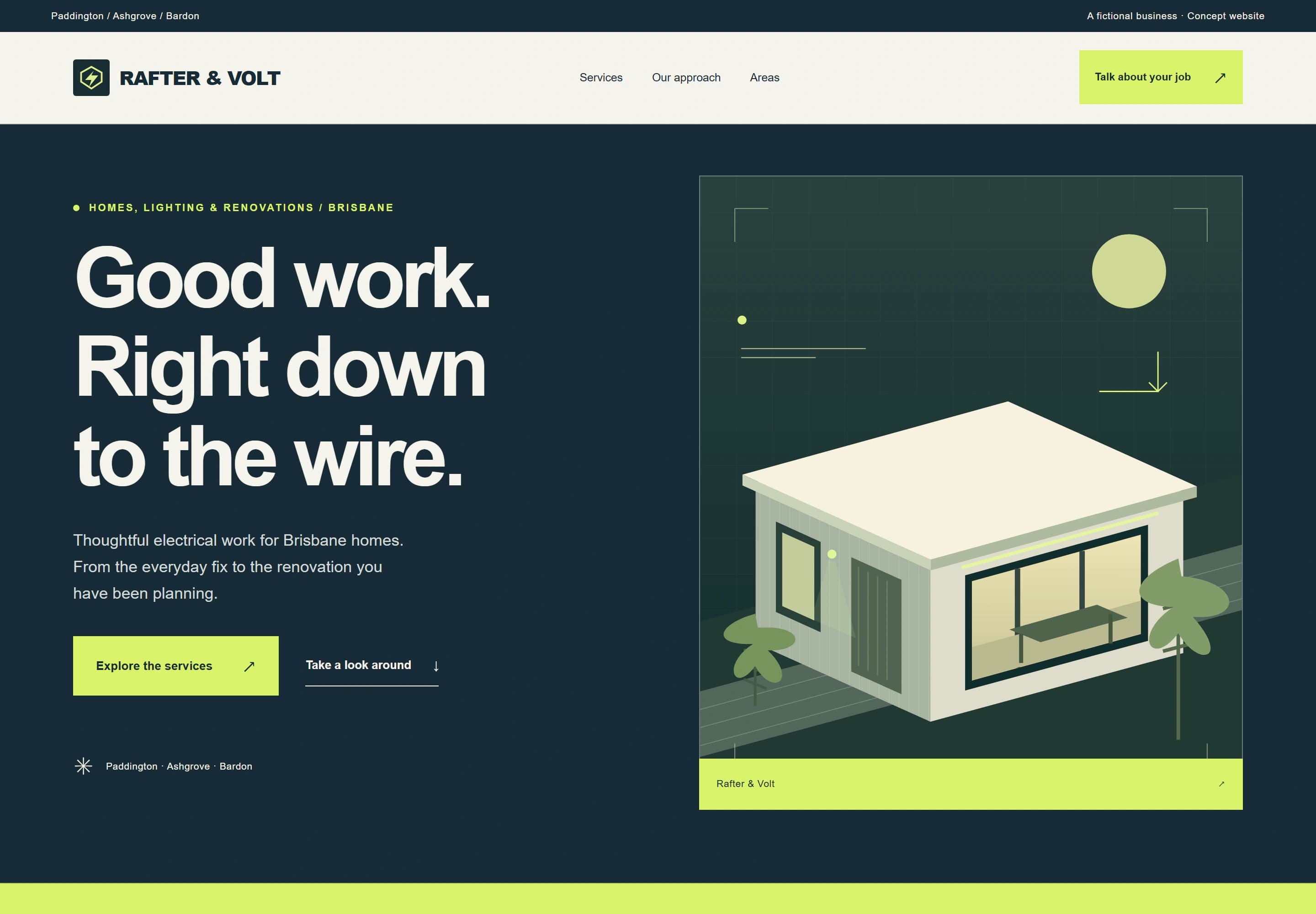
Rafter & Volt is my concept for a fictional electrician rather than a builder, but the trades concept shows the structure I'd adapt: services, a clear process, areas and an enquiry form. Its gallery is labelled as concept illustrations, not completed jobs, which is how any work-in-progress imagery should be handled.
Which package suits a builder
If you have a few services and a handful of projects to show, Local gives you up to 5 pages for $1,999. If you want separate project pages and more tailored layouts, Signature gives you up to 8 pages for $3,499. AUD. GST is not charged. You can also spread the build over 6 or 12 months; the pricing page explains how.
Start with the website brief, or check your current site with the free website check.