Good plumber website design starts with one fact: you have two very different kinds of customer. One has water through the ceiling and wants to talk to someone right now. The other is planning a bathroom or a new hot water system and wants to compare quotes. Your website should serve both without making either one dig.
Plumber website design for the urgent caller
Someone with a burst pipe or a blocked toilet isn't going to read about your values. Give them:
- A big call button at the top of every page. On a phone, it should be reachable with a thumb.
- Your hours, in plain words. "Monday to Friday, 7 am to 4 pm" or "24/7 for emergencies", whichever is true.
- Whether you'll come to them. A short list of the areas you cover.
- What happens next. "If I can't answer, leave a message and I'll ring back within the hour" is reassuring, if you can keep that promise.
A short "while you wait" note can help too: how to find the water main and turn it off. It's useful, people remember it, and it shows you know what you're doing.
The planned job
Planned work deserves more detail. Give each main service its own section or page: hot water replacement, blocked drains and camera inspections, leak detection, bathroom and kitchen renovations, maintenance for property managers. Use the words customers use. "Hot water not working" is a better heading than "Hot water solutions".
Tell people what to send you. For hot water, a photo of the unit and its label. For a renovation, the room size and any plans. A quote form that asks for these details saves you a site visit for a rough figure.
Licence details
The QBCC's advertising guidance (opens in a new tab) treats plumbing as work that always needs a licence, and it lists websites as advertising. It asks licensees to include the name they're licensed under and their licence number, and says a trading name alone isn't enough. Put both in the footer of every page.
Customers can check a licence on the QBCC's licensee register (opens in a new tab), so make your number easy to copy.
Talk about price honestly
Plumbing prices are hard to pin down before you see the job, and customers know that. What they don't like is surprises. If you have a call-out fee, say so. If you charge by the hour, say how you round. If you publish any prices, the ACCC's price display guidance (opens in a new tab) says the price shown should be the total, including fees the customer can't avoid. The same page notes that from 1 October 2026, businesses can no longer charge surcharges on Visa, Mastercard, American Express or eftpos card payments, so check any old wording about card fees.
Photos
Show tidy work. Copper or pipework neatly run before the walls are closed, a new hot water unit installed cleanly, a finished bathroom, the clean-up afterwards, your van. Ask the owner before taking photos and leave out addresses.
Skip the graphic blocked-drain photos on your homepage. They might belong on a drain page, if anywhere.
Local search for plumbers
Most plumbers work from home or a yard, so you're likely a service-area business on Google. Hide your address, list the areas you cover and keep your hours accurate, especially over public holidays. Add your Google review link to your invoices. My Google Business Profile guide walks through it, and what a tradie website needs covers the essentials every trade shares.
See the concept
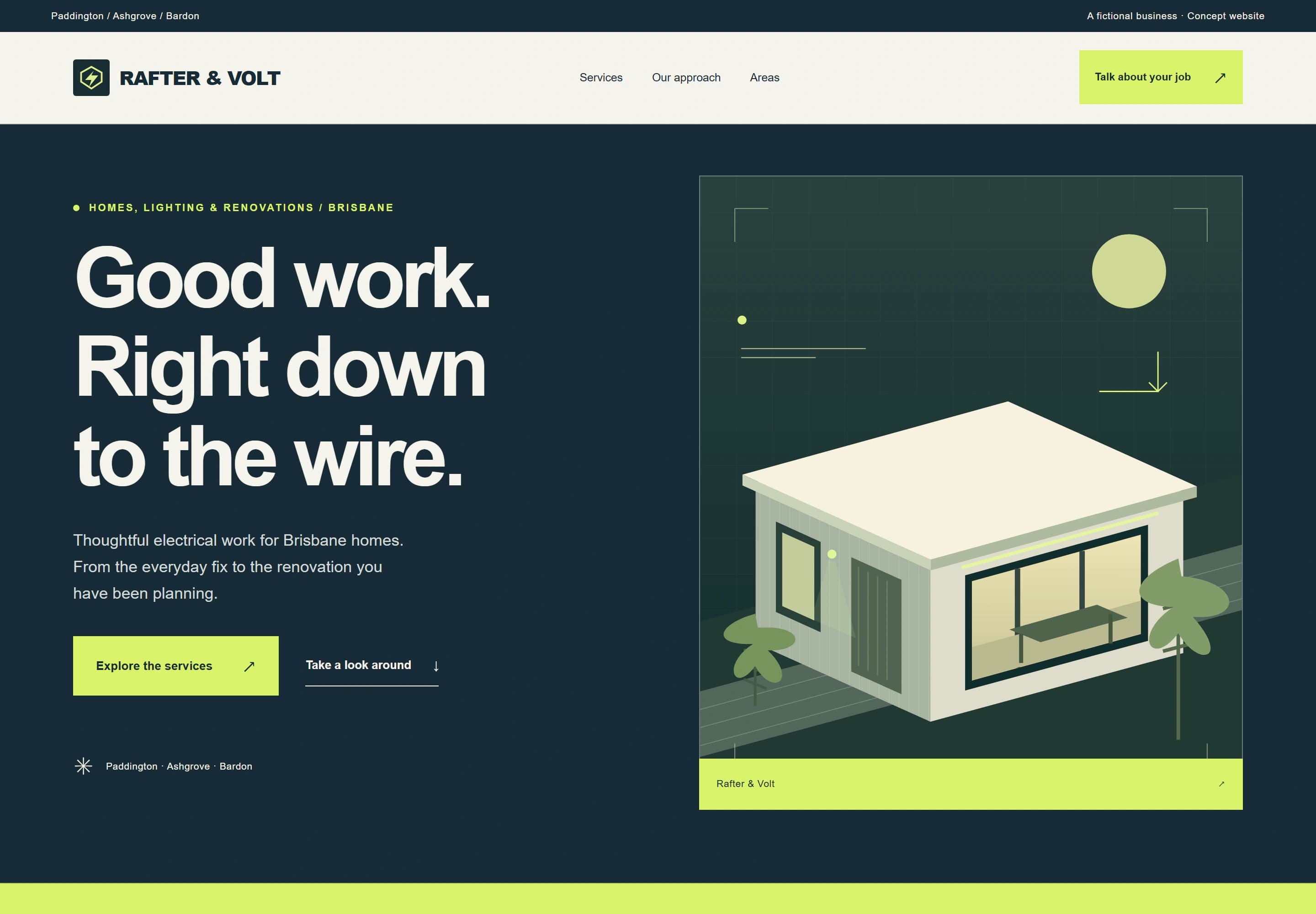
I haven't made a plumbing concept yet, but Rafter & Volt, a concept site I designed for a fictional electrician, uses the same trade structure: services, a short process, service areas, common questions and an enquiry form. Have a look at the trades concept to see how it fits together.
Getting started
Most plumbers suit the Local package, with up to 5 pages for $1,999. Care plans start at $79 a month, and the pricing page explains each one. AUD. GST is not charged.
Tell me about your business through the website brief. If you already have a site, the free website check will show you what's working and what may need attention.