Landscaper website design is mostly about photos, and then about making the next step easy. People hiring a landscaper are picturing their own yard. Show them yards you've already transformed, explain how you'd approach theirs, and give them a simple way to ask you to come and have a look.
Landscaper website design starts with photos
A homeowner can't judge your soil preparation or drainage from a website. They can judge your finished work. Lead with your best photos, and let the words support them.
Pick fewer, better photos. Six strong projects beat sixty average ones. For each project, a short caption helps: the suburb (with the owner's permission), what the brief was and what you did.
Before-and-after, done properly
Before-and-after pairs are the most persuasive thing a landscaper can show, but only when they're honest:
- Stand in the same spot, at the same height, for both photos.
- Shoot at a similar time of day so the light matches.
- Wait for planting to settle before the "after" if you can, or label it as "on completion".
- Never use a designer's render or someone else's photo as your finished work.
Construction and maintenance are different customers
Someone wanting a new patio and retaining wall has different questions from someone wanting the lawn mowed every fortnight. Give them separate sections, or separate pages.
Construction customers want to see ideas and finished work, understand the process from design to completion, and know roughly how quoting works.
Maintenance customers want to know what's included in a visit, how often you come, whether you take the green waste away and what happens when it rains. A simple list beats a paragraph.
Licence details for structural work
If your work includes decks, pergolas, retaining walls or paving, check the QBCC's structural landscaping licence class (opens in a new tab). Its scope covers things like decks, fences, pergolas, retaining walls that don't need engineering certification, and paving not meant for vehicles.
If you hold a QBCC licence, the QBCC's advertising guidance (opens in a new tab) lists websites as advertising and asks for your licensed name and licence number. If you don't hold one, the same page says unlicensed contractors must state, in advertising for building work, the value of work they can do. Either way, it belongs in the footer.
Site visits and quotes
Most landscaping jobs need a look in person. A good request form makes that visit more useful. Ask for:
- The suburb.
- A rough size: small courtyard, average backyard, large block.
- What they'd like: lawn, planting, paving, retaining, a full redesign, regular maintenance.
- Access: side access, slope, stairs.
- Roughly what they'd like to spend, or "not sure yet".
- A few photos of the area.
Say whether site visits are free or charged, and roughly how soon you can come. Whichever you choose, saying it up front avoids awkward conversations.
Keep it seasonal
Gardens change through the year, and so do the questions people ask. A quick update to your homepage or your Google Business Profile, such as a post about planting, lawn care or getting the yard ready for summer entertaining, shows the business is active. My Google Business Profile guide explains how profile posts work.
Local search for landscapers
Most landscapers travel to customers, so set up as a service-area business, hide your home address and list the areas you cover. Add new project photos to your profile as you finish jobs. What a tradie website needs covers the essentials every trade shares.
See the concept
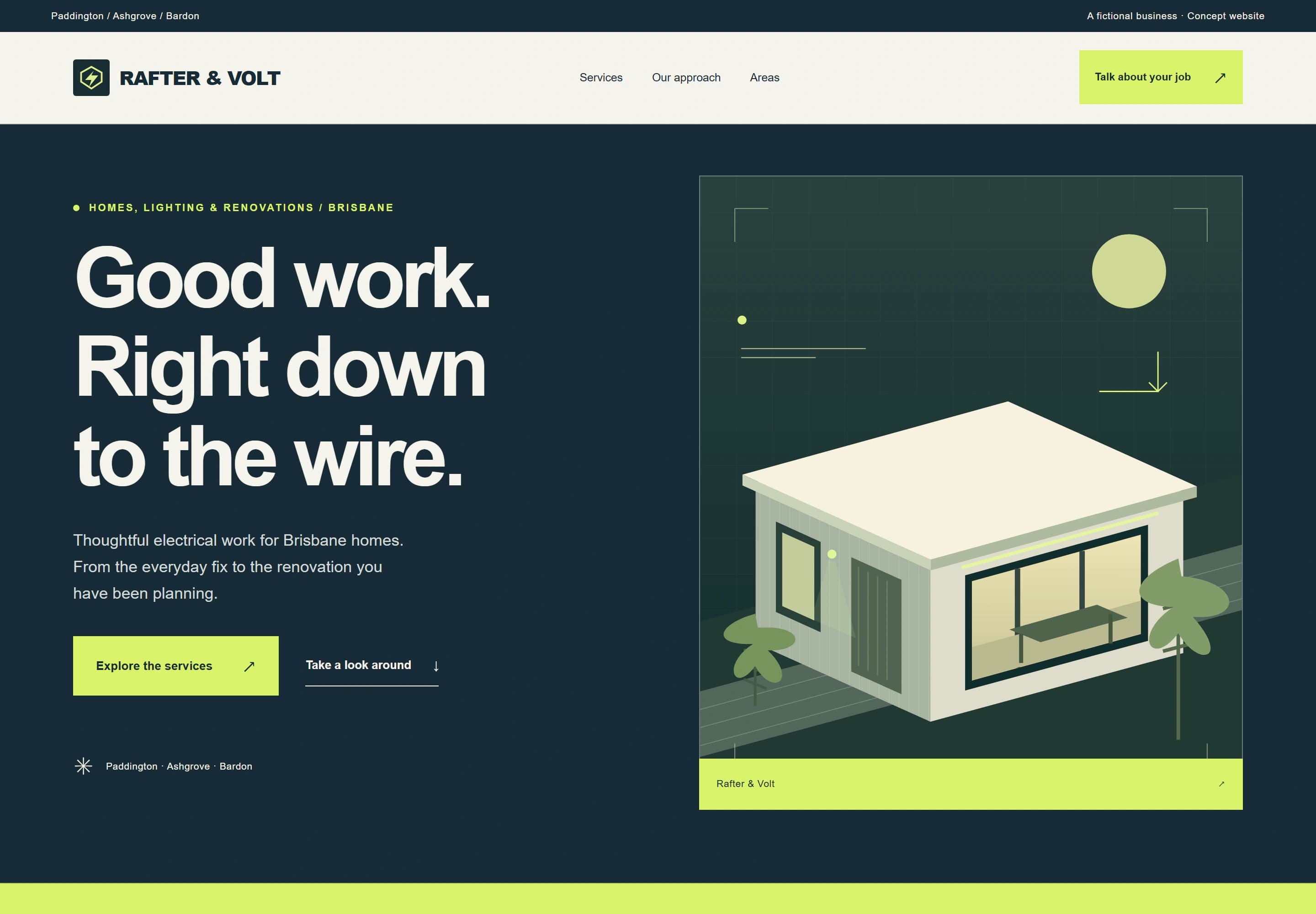
My closest concept site is Rafter & Volt, made for a fictional electrician. The trades concept still shows the trade structure I'd start from, including a gallery, a short process, service areas and an enquiry form.
Which package suits a landscaper
If you do one main kind of work, Launch gives you 1 focused page for $999. If you offer both construction and maintenance, Local gives you up to 5 pages for $1,999, enough for separate services and a projects page. Care plans start at $79 a month. AUD. GST is not charged.
Tell me about your business through the website brief, or run the free website check on your current site.