Electrician website design comes down to trust and speed. People want to know you're licensed, that you come to their area, and that they can reach you without a runaround. Often they're looking on a phone, with a safety switch that keeps tripping or a renovation date coming up.
Electrician website design starts with four questions
Most visitors are trying to answer four questions before they get in touch:
- Are you licensed?
- Do you work in my area?
- Do you do this kind of job?
- How do I reach you, and how quickly?
Put those answers where people can see them without scrolling far. Everything else, from your story to your favourite jobs, comes after.
Show your licence properly
Licence details aren't just a trust signal for electricians. They're a legal requirement in advertising. Queensland's Electrical Safety Regulation 2026 (opens in a new tab) (section 188) says an electrical contractor's advertisement about their business must state the name they're licensed under or their registered business name, that they're licensed, and their electrical contractor licence number.
The practical answer is a footer on every page with your licensed name, the words "Licensed electrical contractor" and your licence number. Repeat it on the contact page. If you also hold a QBCC licence for other work, the QBCC's advertising guidance (opens in a new tab) asks for those details too.
If you hold public liability insurance and you're happy to send a certificate on request, say so. Only mention memberships you really hold.
Split your services the way customers think
A single "Electrical services" page makes people hunt. Break your work into the groups customers recognise, for example:
- Around the house: power points, lighting, ceiling fans, smoke alarms and safety switches.
- Switchboards: upgrades, replacements and fault finding.
- Renovations and new builds: planning, rough-in and fit-off.
- Commercial work: fit-outs, maintenance and tenancy changes, if you do them.
- Urgent faults: only if you genuinely offer it, with clear hours.
For each one, write a few sentences on what's involved and what to send you for a quote. "A photo of your switchboard with the cover open" is more useful than "contact us for details".
Make urgent and planned jobs easy
Electricians usually get two kinds of enquiry. Someone with no power wants to ring now. Someone planning a kitchen wants to send details and get a quote.
Give each one its own path. A clear call button at the top of every page for the first. A short quote form for the second: suburb, type of job, preferred timing, and an option to send photos. Below the form, say when you usually reply.
Photos that build trust
Your own work is your best marketing. A neat switchboard, a finished kitchen with good lighting, outdoor lighting at dusk, your van with your name on the side. Phone photos are fine if they're sharp, well lit and taken with the homeowner's permission. Leave out house numbers and anything personal.
Avoid stock photos of models holding cable cutters. Customers can tell.
Local search for electricians
Most electricians are service-area businesses, so your Google Business Profile should hide your home address and list the areas you cover. Use the same business name and number on your website and your profile. Ask every happy customer for a review, using your profile's review link on your invoice. My Google Business Profile guide explains the details, and what a tradie website needs covers the basics every trade shares.
See the concept
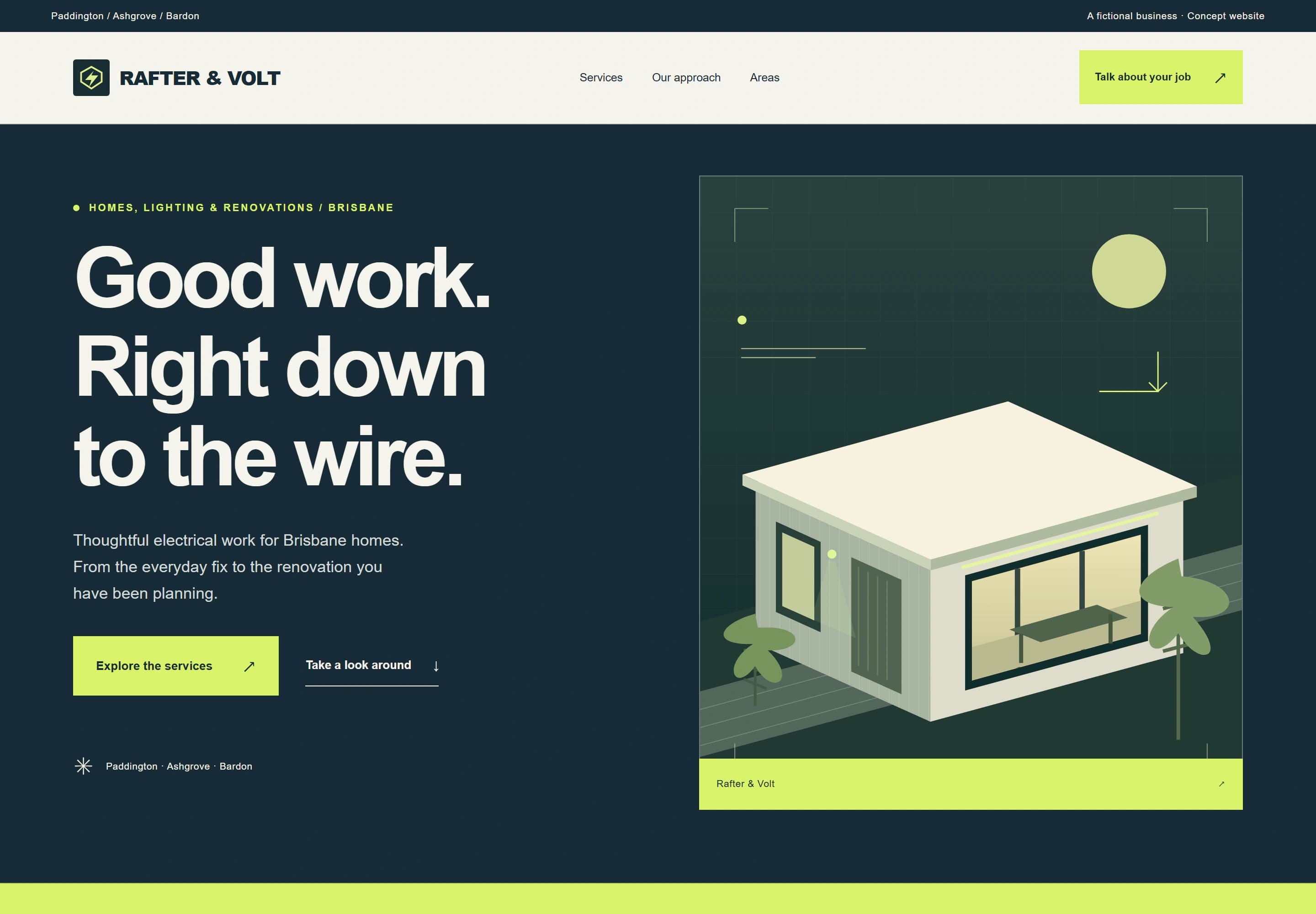
Rafter & Volt is a concept site I designed for a fictional electrician. Have a look at the trades concept. It shows the structure I'd start from: services up front, a short "how a job takes shape" process, service areas, common questions and an enquiry form. Because it's fictional, it doesn't show a licence number. A real site would, on every page.
Which package suits an electrician
If you're a sole trader with one main kind of work, Launch gives you 1 focused page for $999. Most electricians with several services suit Local: up to 5 pages for $1,999, with a homepage, service pages, about and contact. Care plans start at $79 a month. AUD. GST is not charged. The pricing page has the full detail.
When you're ready, tell me about your business through the website brief, or run the free website check on your current site first.